CPULEDs
// per-core cpu activity lights — macos menu bar
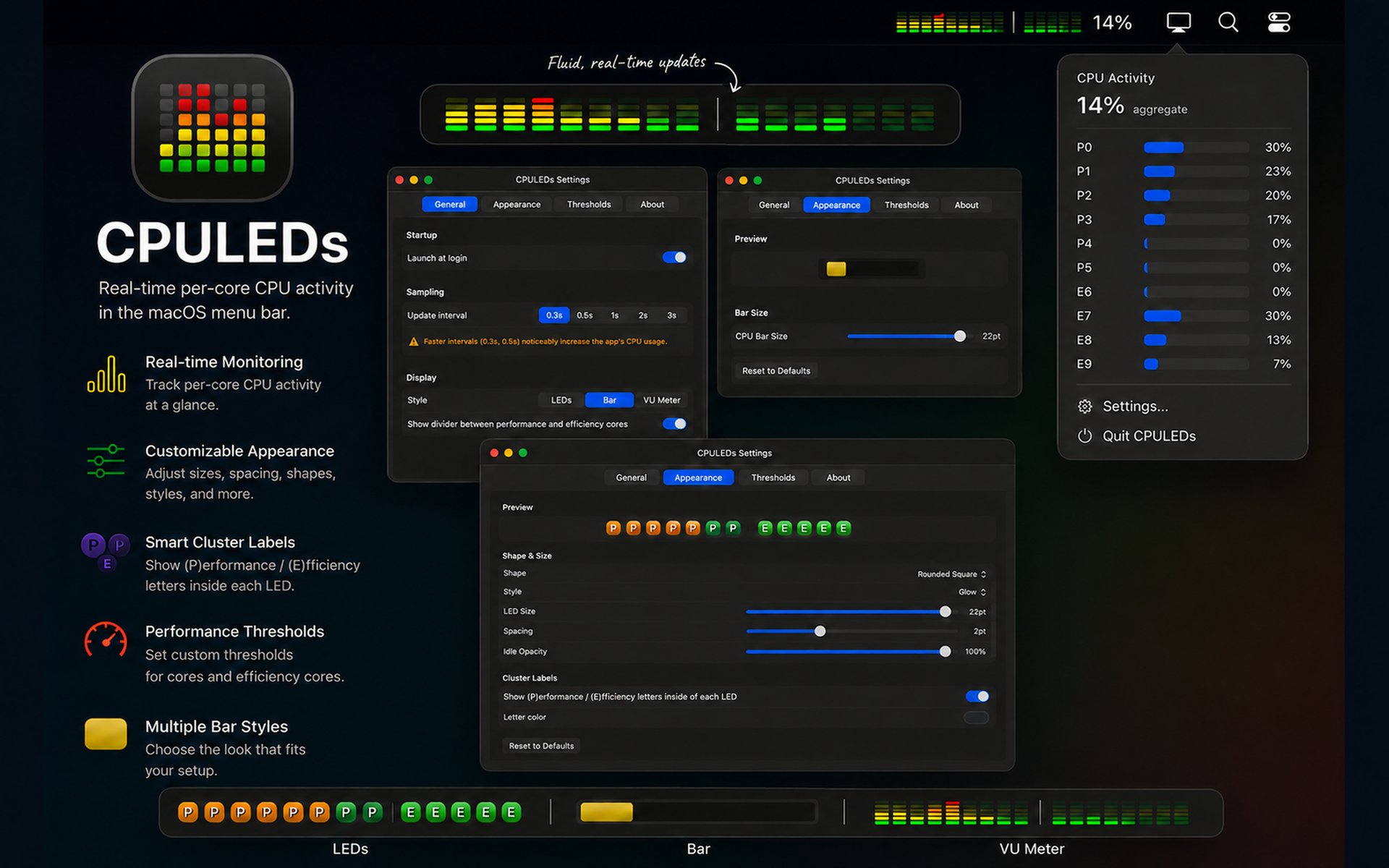
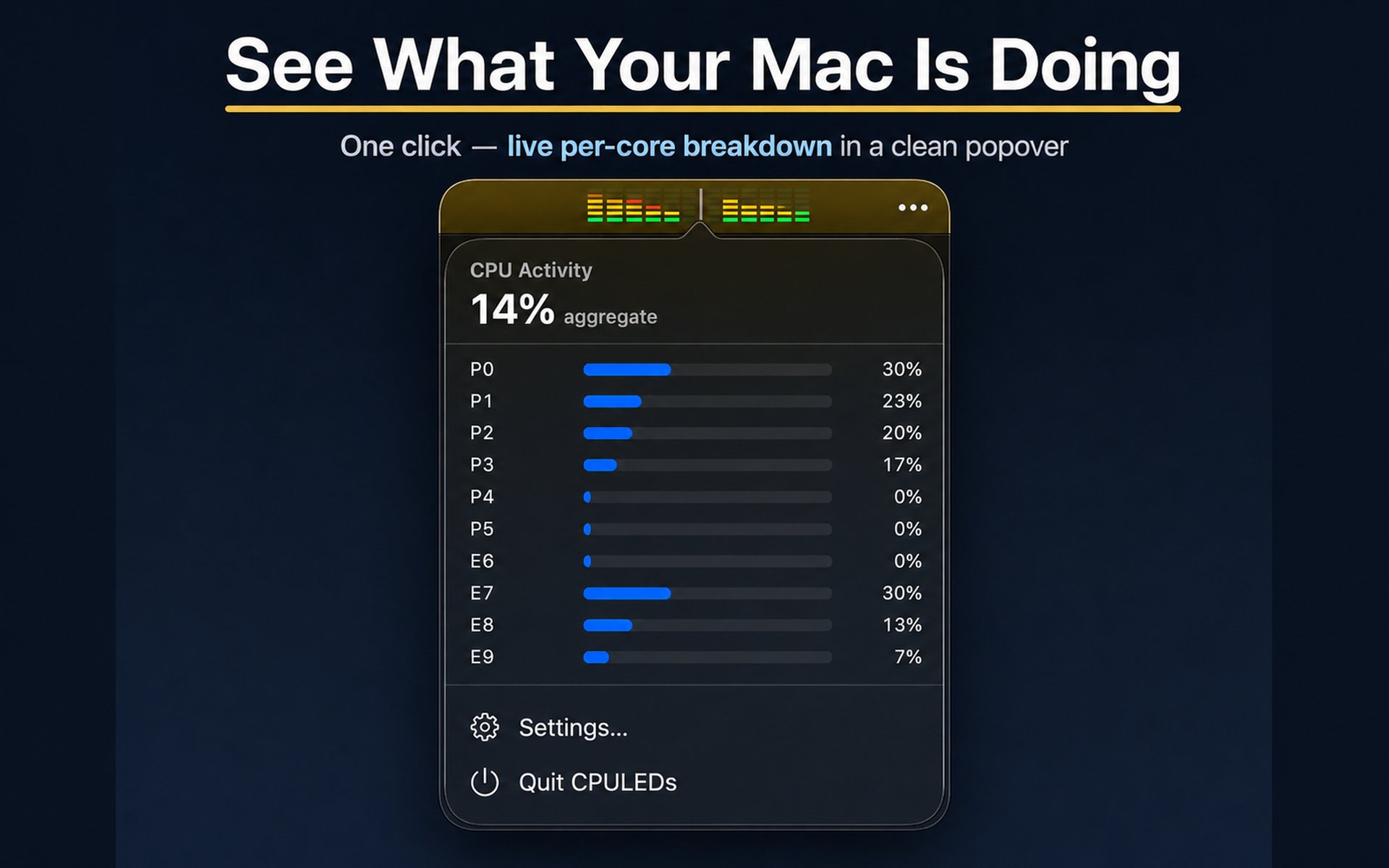
The classic CPU-LED indicator, reimagined for modern Macs. A tiny row of glowing lights lives in your menu bar and dances with your CPU. Apple Silicon-aware — performance and efficiency cores are grouped automatically. Pick your style: classic LEDs, glass-ball domes, an aggregate sliding bar, or a retro segmented VU meter.

// available now on the mac app store
Screenshots[]
Features[]
Per-Core LEDs
One indicator per logical CPU. See instantly which cores are doing work and which are idling.
Apple Silicon Aware
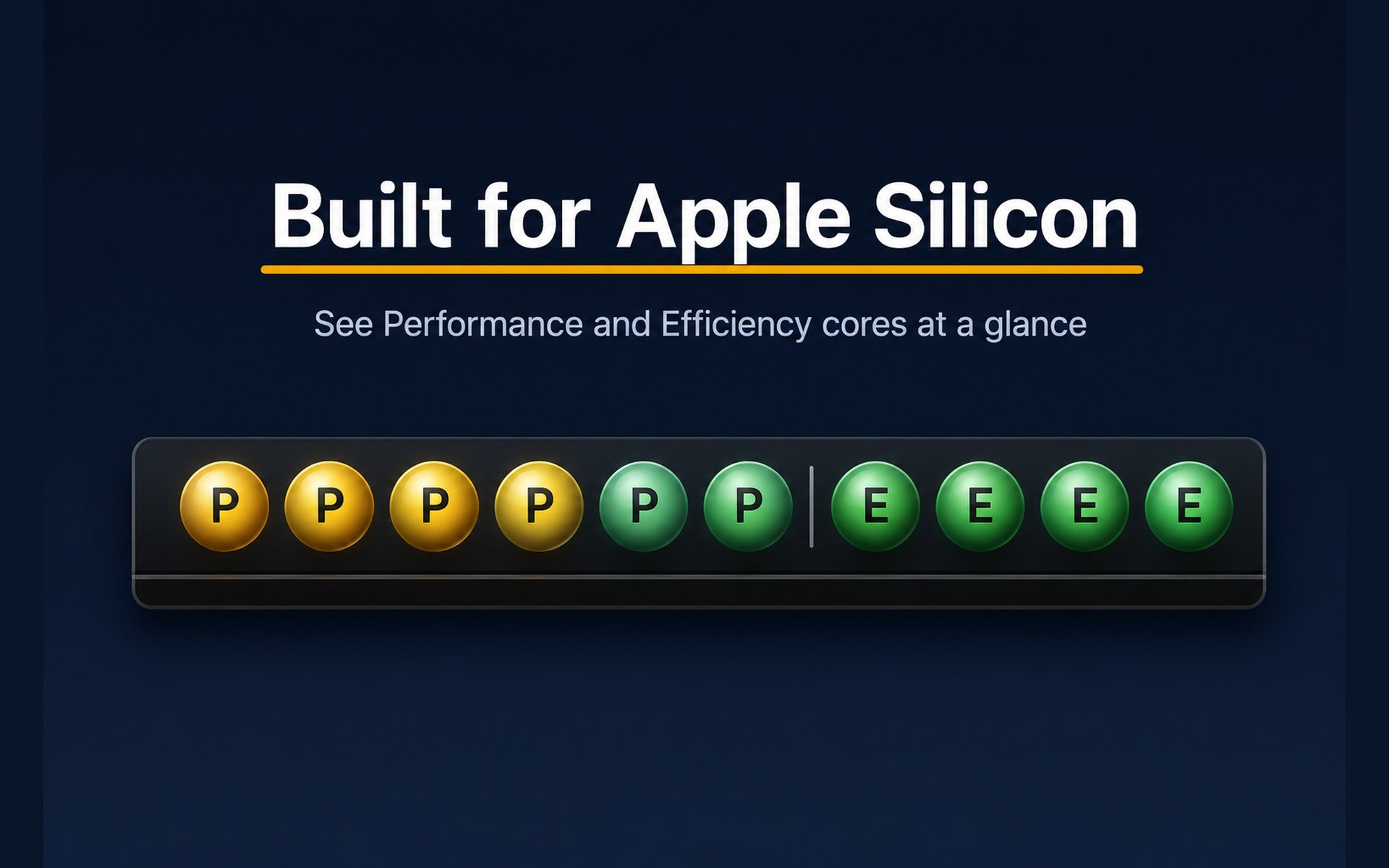
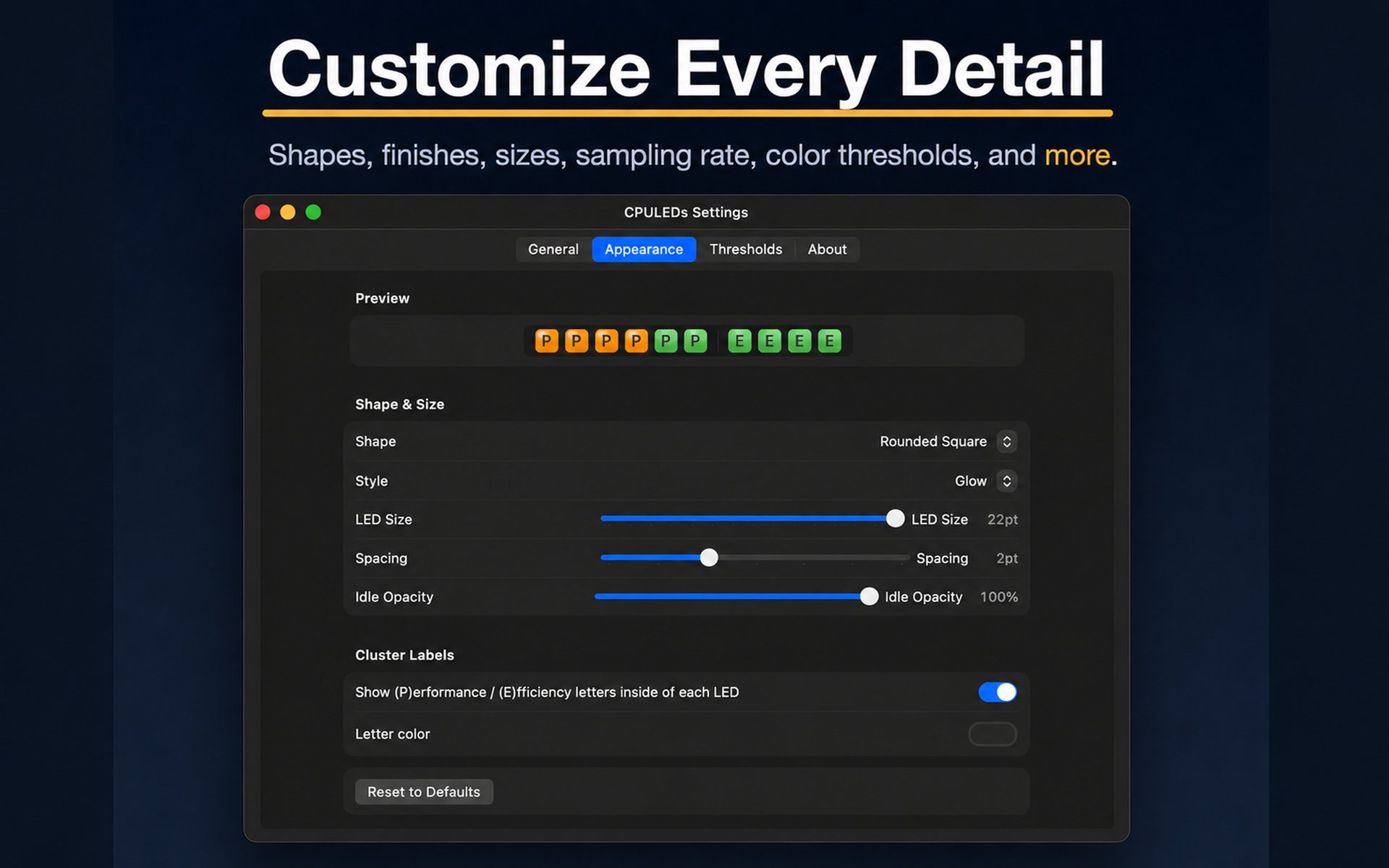
Performance and efficiency cores are detected automatically and grouped with a subtle divider. Optional P / E letters inside each LED tell you at a glance which cluster is busy.
Glass Ball Mode
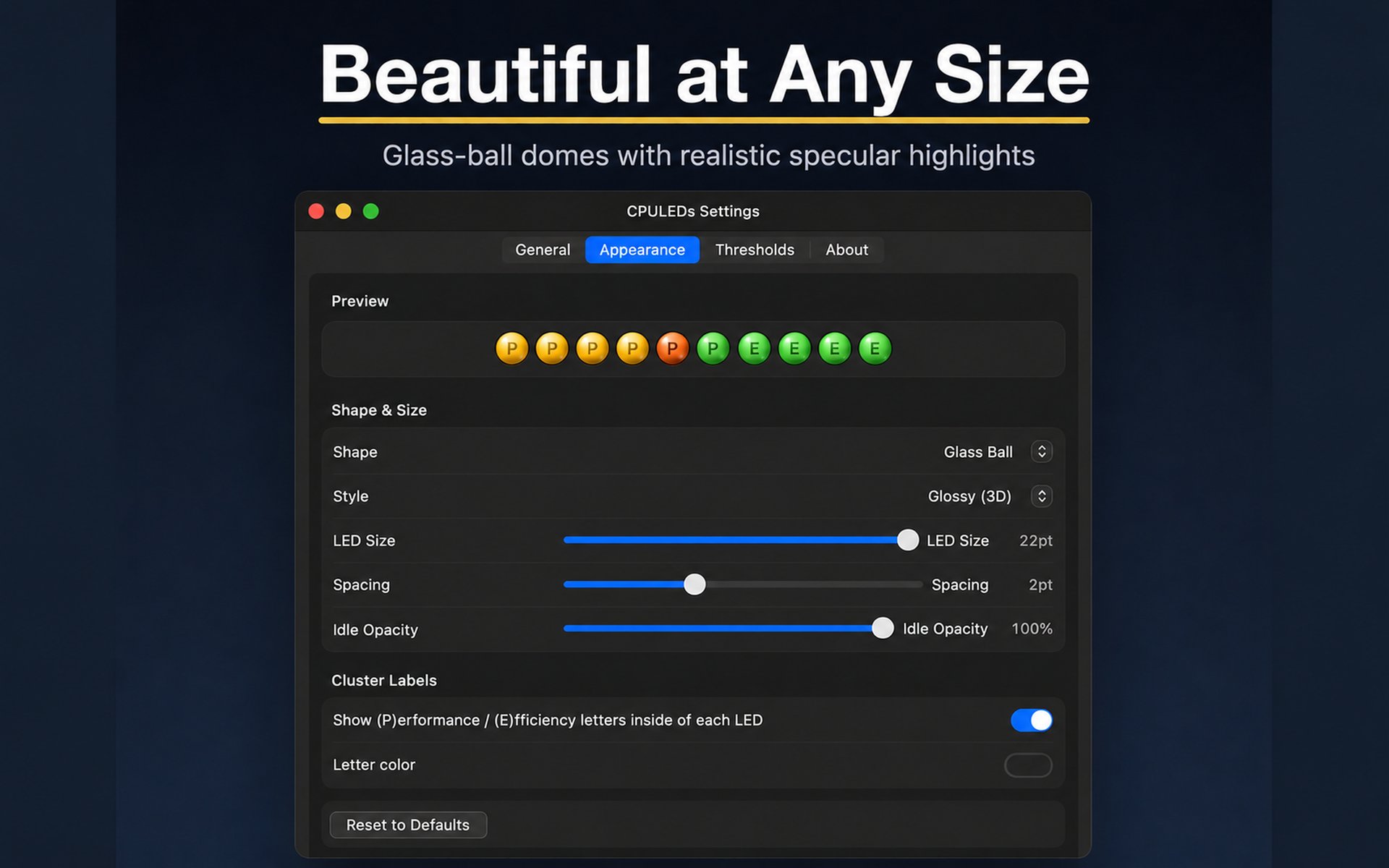
Marble-style 3D domes with realistic specular highlights and a soft bottom rim reflection. Beautiful at any size, even tiny.
Aggregate Bar
Prefer minimalism? Switch to a single horizontal bar that slides smoothly with your total CPU load.
Retro VU Meter
Per-core segmented vertical bars that climb green → yellow → red. Set spacing to zero and watch your CPU dance like a classic audio meter.
Adjustable Sampling
From 0.3 seconds for responsive monitoring to 3 seconds for the lightest possible CPU footprint. Pick the cadence that fits your workflow.
Customizable
LED size, spacing, shape, idle opacity, color thresholds, letter color — every detail is tweakable.
Launch at Login
Optional auto-start so your menu bar lights up the moment you log in. One toggle, handled with the modern SMAppService API.
Native & Sandboxed
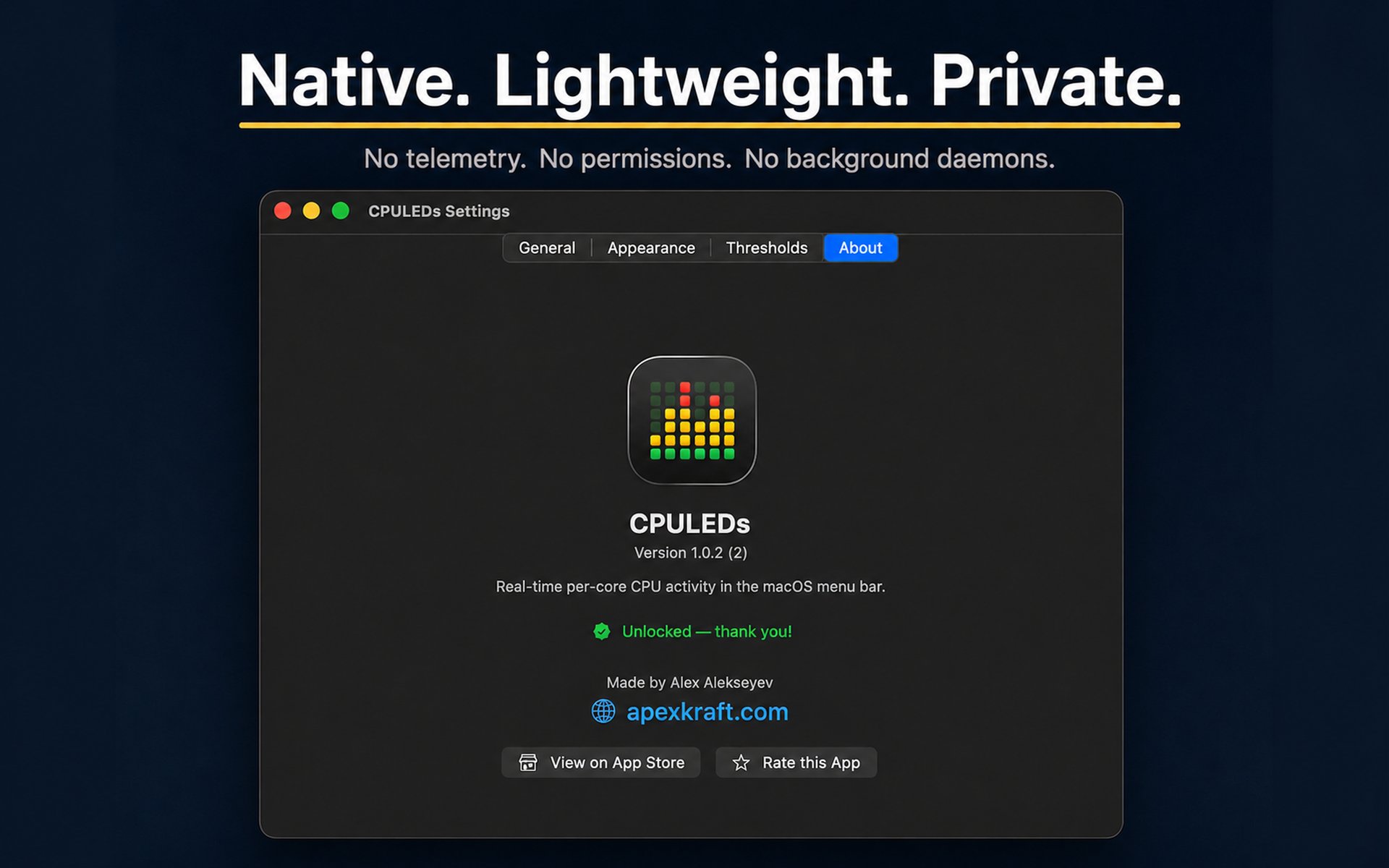
100% SwiftUI, sandboxed, hardened runtime. No kernel extensions, no daemons, no helpers — just public macOS APIs.
Use Cases[]
Developers
Watch your build threads come alive during a compile. Spot stuck single-threaded tasks instantly when one core pegs and the rest stay quiet.
Video & Audio Pros
Monitor render workloads in real time. Tell at a glance whether your project is balanced across cores or hitting a bottleneck.
Gamers
See how your Mac handles thermal stress and which cores are shouldering the load — no overlay required.
Power Users
Replace the boring system monitor with something that's a pleasure to look at. Your Mac, breathing in real time.
Privacy[]
- No account or sign-in required
- No analytics, no telemetry of any kind
- No advertising, no third-party SDKs
- No data sold or shared with anyone
- All CPU stats read locally from the kernel
- App never makes a single network request
Your Mac, in lights.
CPULEDs is on the Mac App Store. Free 7-day trial, then a one-time unlock — no subscriptions, no ads, no tracking.